Infrastructure
- Infrastructure
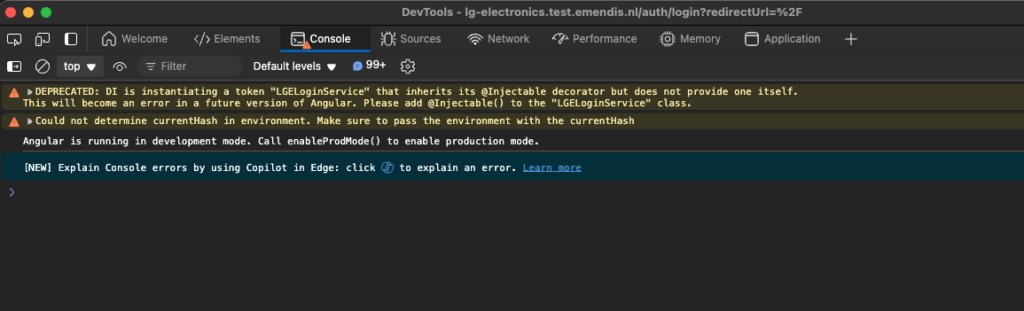
On cloudfront, it is possible to let cloudfront itself add security headers to prevent connections to unpredicted URLS, which casuses the following error:

To fix this:
- Log on to AWS Console
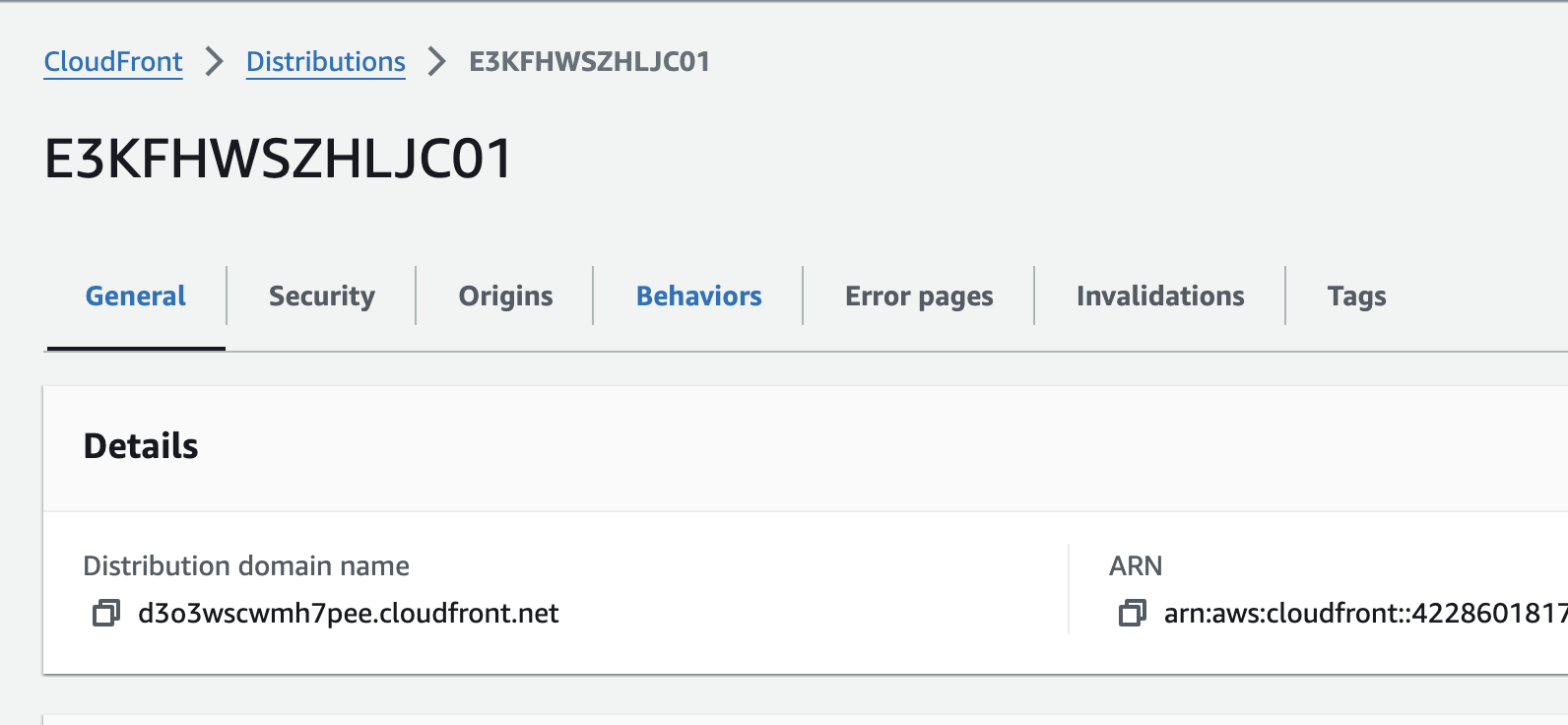
- Navigate to Cloudfront
- Navigate to Distributions
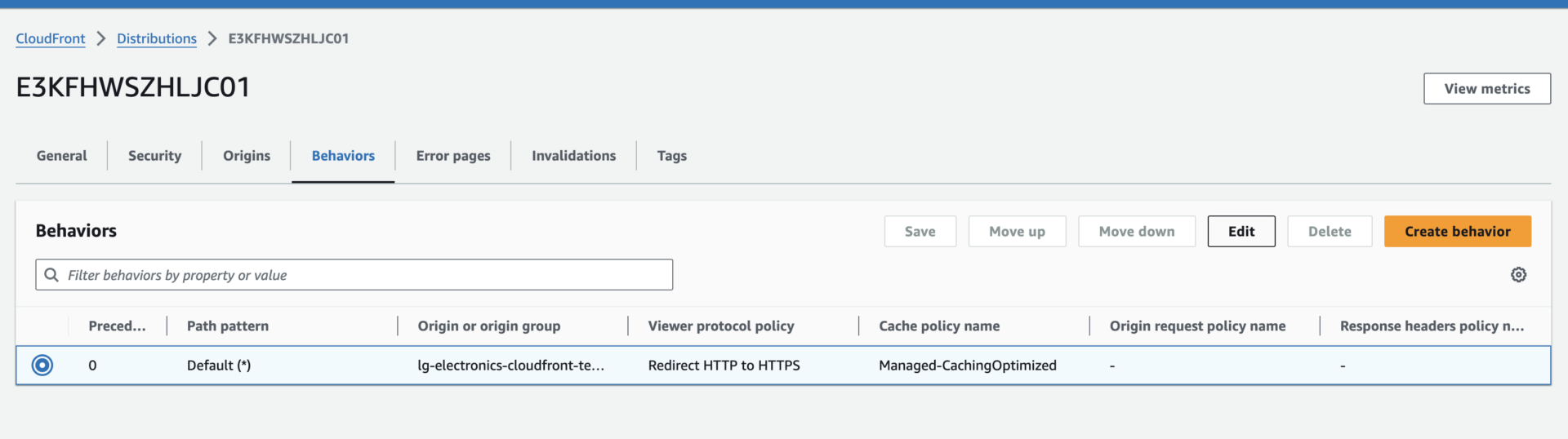
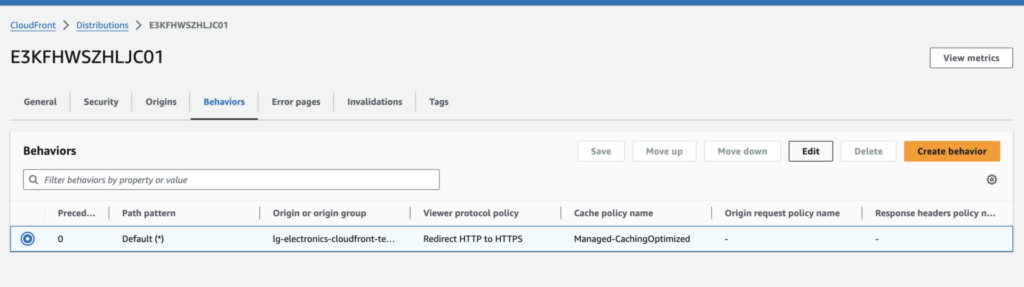
- Open the tab Behaviors

- Select the existing Behaviors, and click on Edit
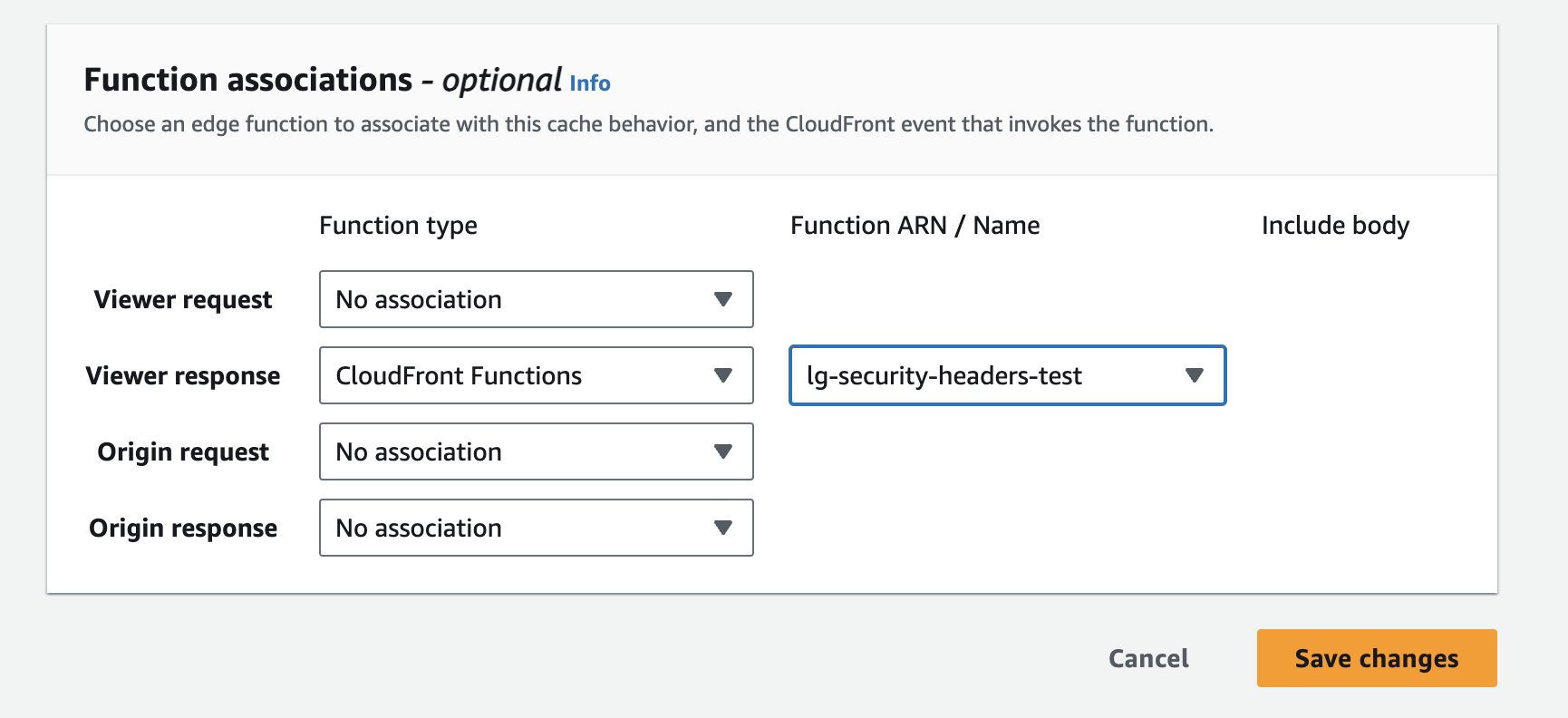
- Scroll down towards Function Associations, check if any functions exist there:
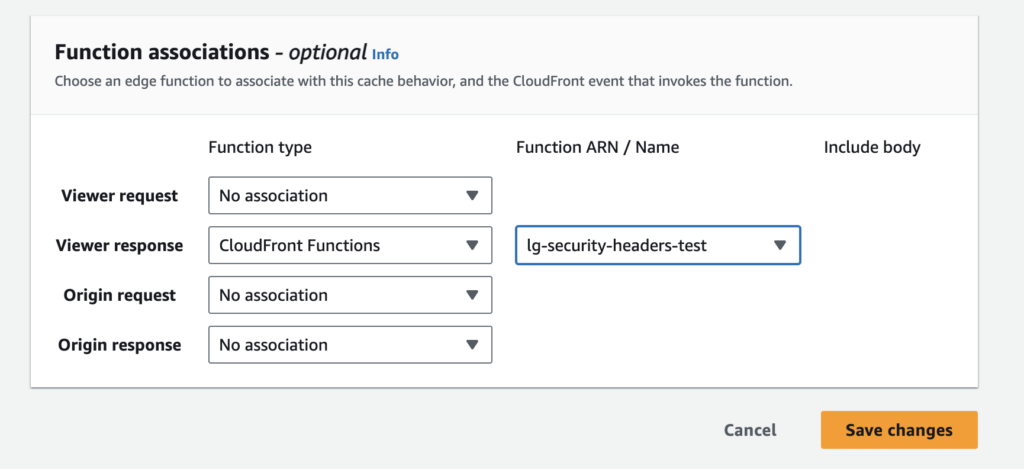 Here you can see it is a Cloudfront Function changing your headers, and as such we will have to edit it.
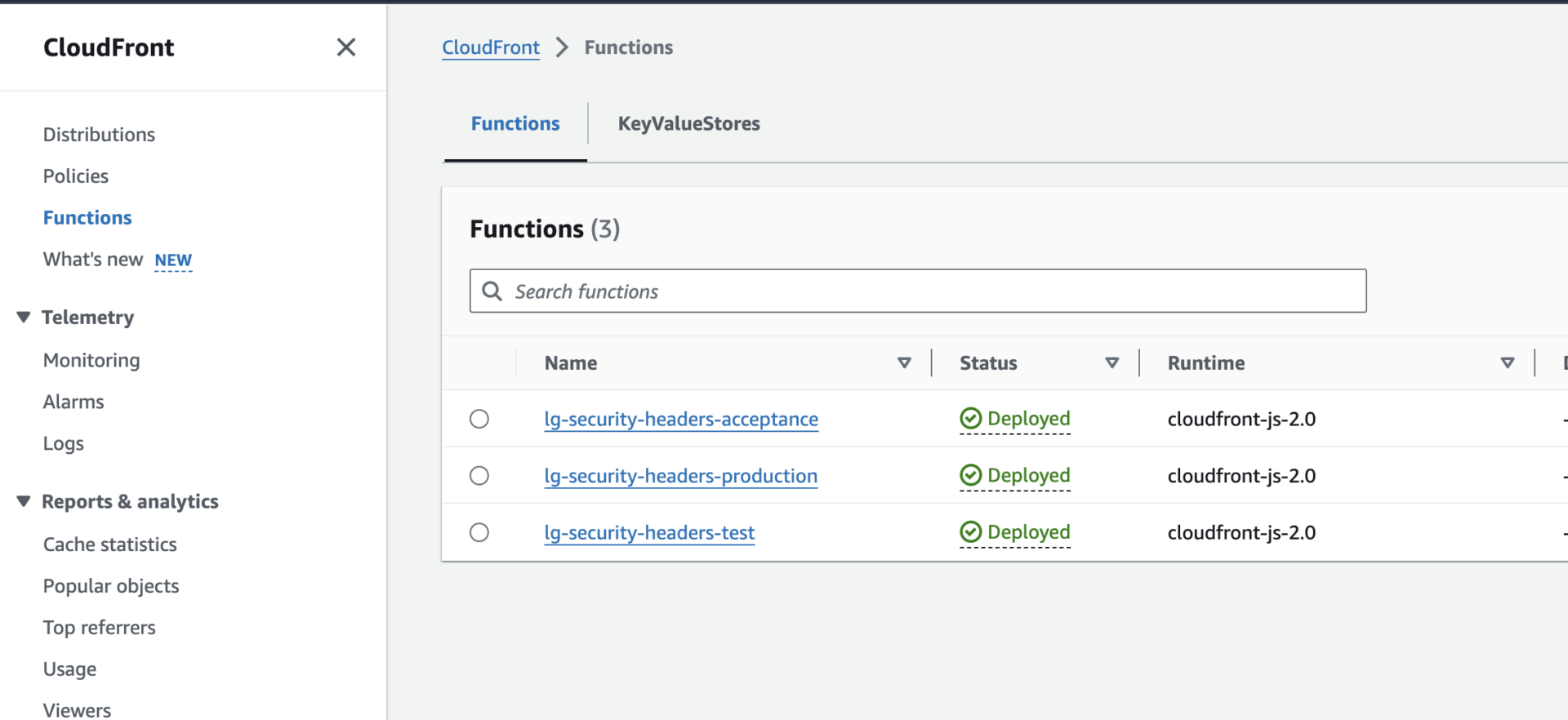
 - Navigate back to Cloudfront > Functions
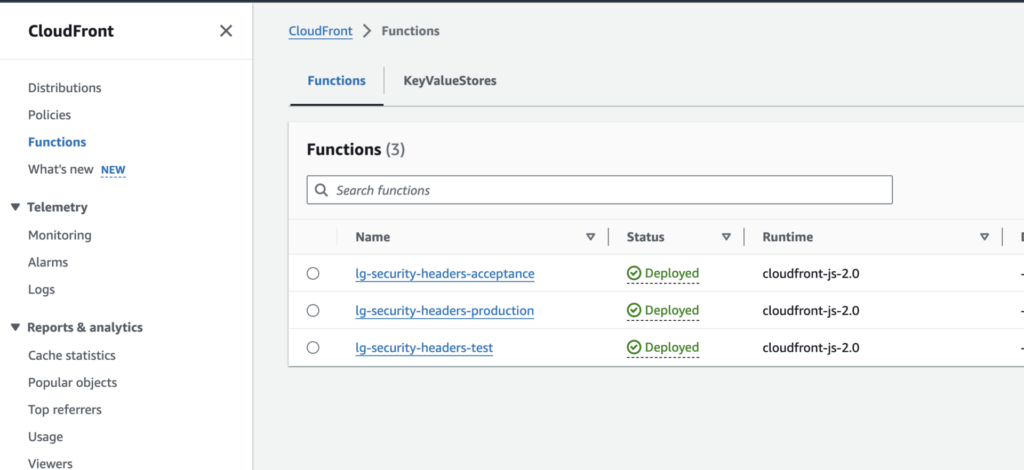
- Open up the function found in the Distribution.
- Edit the Function Code as desired to add or delete
- Save
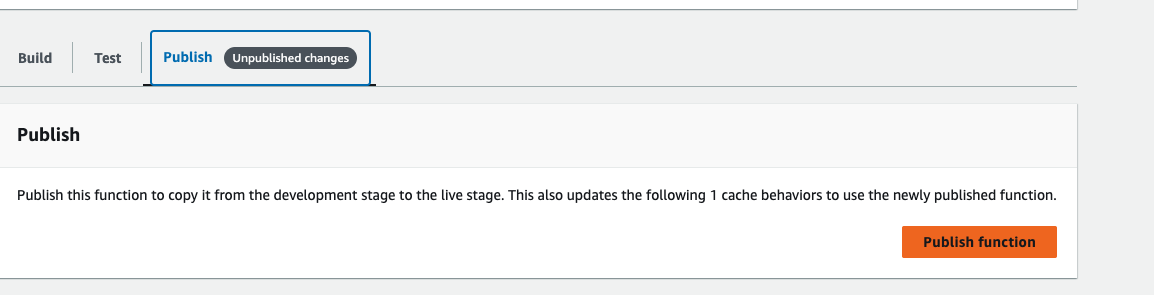
- You should now get the message that you have unpublished changes:

- Open up the tab and click the button Publish Function

- Problem should now be resolved after it has been refreshed: